
Subscription plan
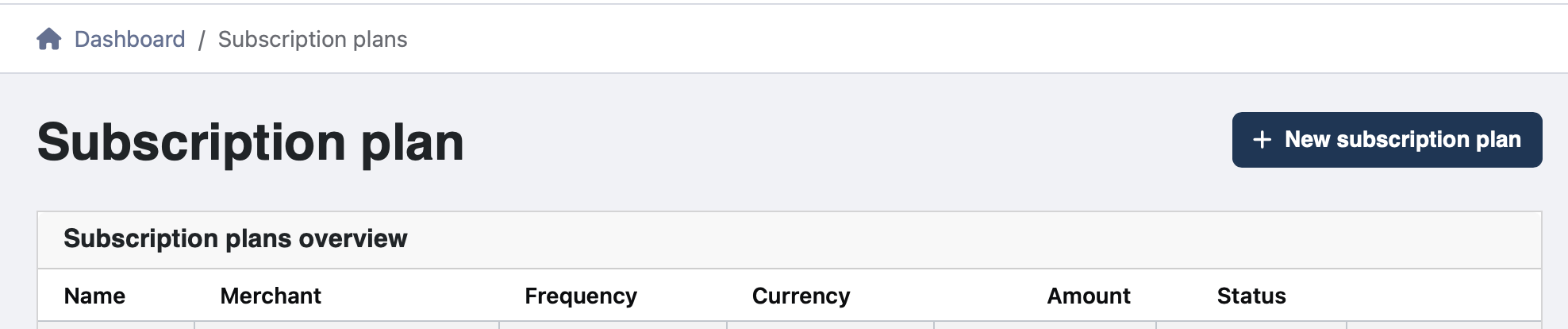
Click on Plans overview in the sidebar to open all the created subscription plans.
If no subscription plans have been created yet, this overview will be empty.
→ Go to the top right corner to create a new subscription plan.
On this page you fill in all the information related to the new subscription.
|
Field name |
Required information |
|---|---|
|
Name* |
Name of new subscription plan |
|
Merchant* |
Choose the name of the merchant that will receive the payments (Normally there is only one option to choose from) |
|
Frequency* |
Frequency of subscription email notifications options: Weekly/Monthly/Yearly |
|
Subscription start* |
Day of the week/month or month of the year on which the first subscription email will be sent out The email will be sent automatically at 7 AM that day |
|
Currency* |
Select the currency linked to the merchant |
|
Amount* |
Amount to be charged each subscription cycle |
|
Transaction description* |
The message that will be shown on the payment handle. This can be customized to your liking. tip We recommend leaving the description as is, as the pre-filled description includes an ID number for each customer [within the brackets]. This makes it easily recognizable. |
|
Next payment term |
The number of days that the payment will be valid and available for the customer to pay. After this period, the payment will be cancelled. |
|
Email subject |
It will be shown in the email and can be customized. tip We recommend leaving the email subject as is, as this contains pre-filled information about the merchant and subscription plan [within the brackets]. |
|
Email body |
The contents of the email. This can be customized to fit the tone of the company. tip Take note of the information between the brackets, as this contains pre-filled information about the merchant, customer, and the subscription plan. Their meaning is mentioned below: 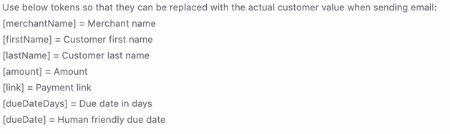
|
All fields marked with a * are mandatory.
To create the new subscription plan, click on Save subscription plan in the bottom right corner.
Subscription plan customers
Create a new customer
Click on Customers in the sidebar to open the customers overview.
Here you can see a complete overview of all customers that are/or can be linked to a subscription plan.
→ Go to the top right corner to create a New customer.
Here you can fill in the customer information.
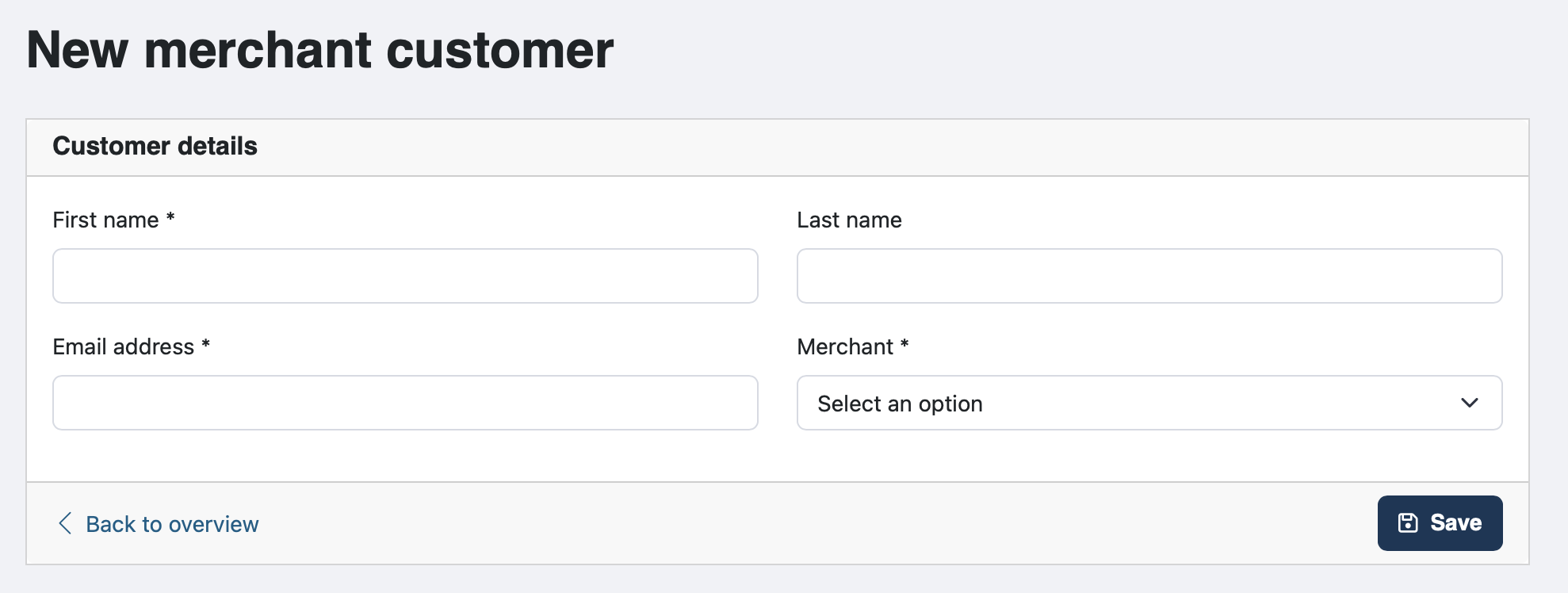
First name, email address and merchant name are mandatory fields marked with a *. The customer’s last name is optional information.
Click in the bottom right corner to save the newly created customer.
Link a customer to a subscription plan
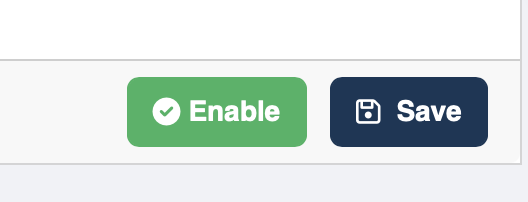
To link a customer to a subscription plan, click on that specific customer in the customer overview, followed by going to the bottom right corner to enable the customer.
In the Customers overview, you will find all customer details.
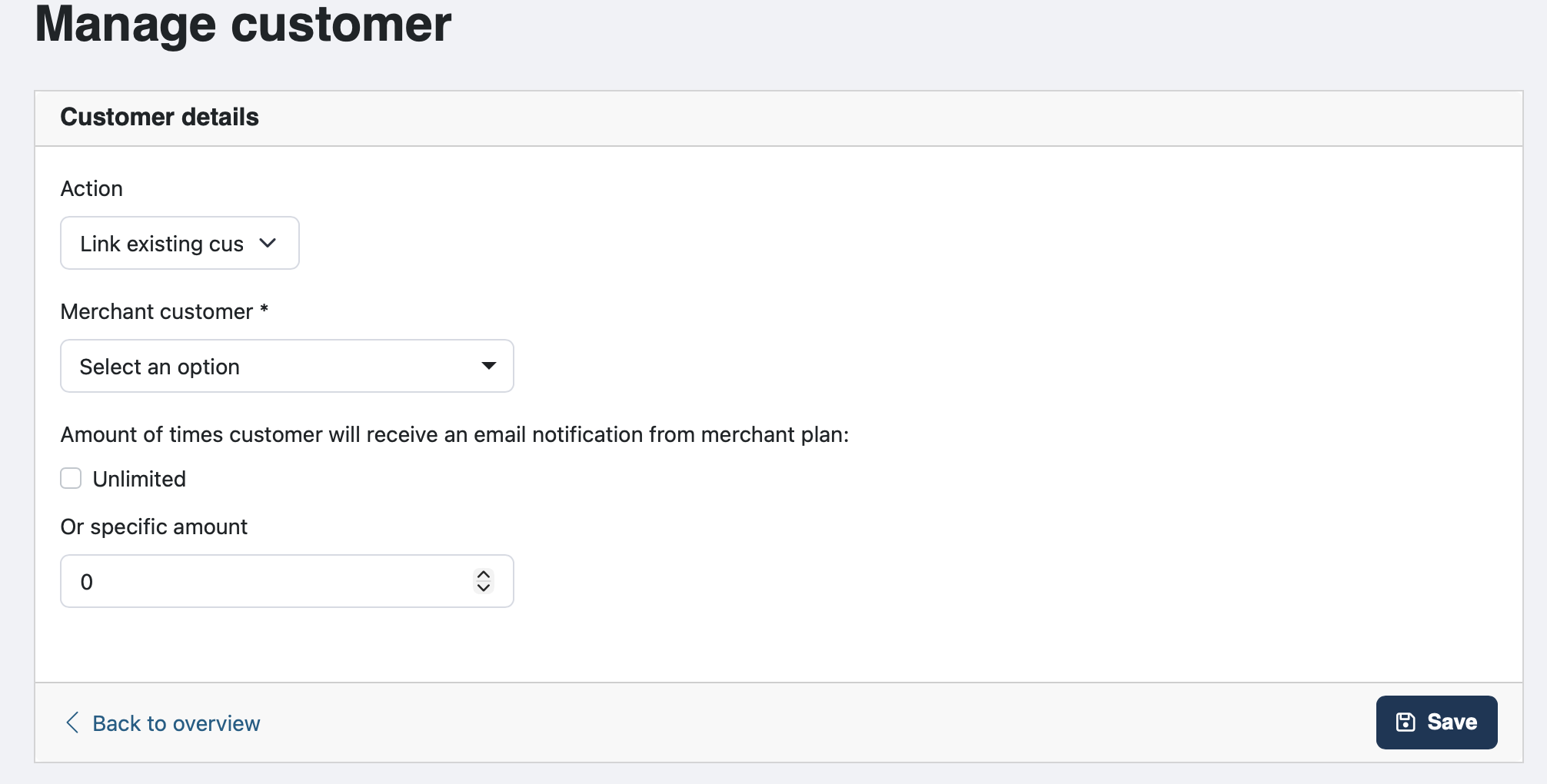
Here, you can directly create a new customer to be linked to a subscription plan, or link
an existing customer to a plan.
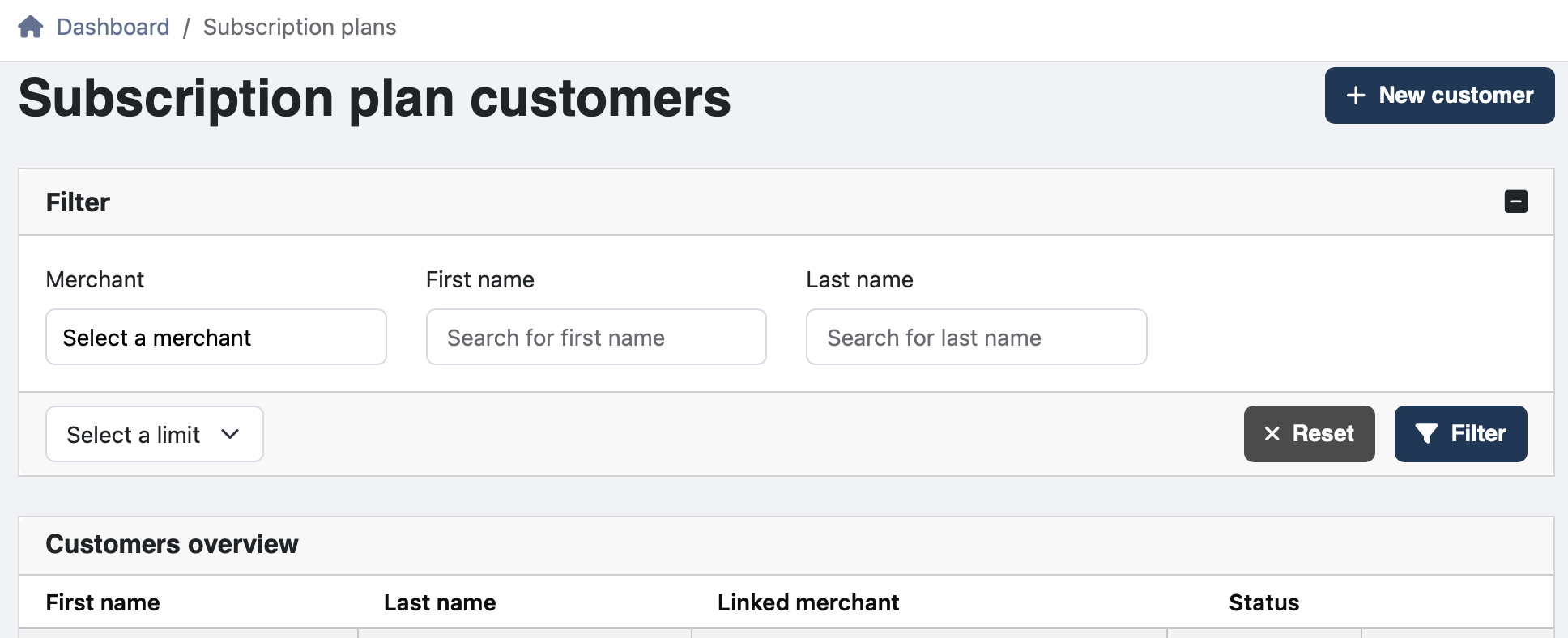
Action: Create a new customer, link a subscription to an existing customer or search through all customers.
OR
Pick an existing subscription, and scroll down. From here, you can also link a customer to that specific subscription.
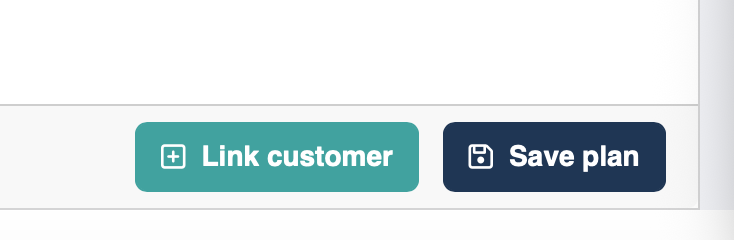
By clicking on ‘Link customer’, you will be redirected to the Manage customer page, where you get the option to link a customer or create a new customer. Here, you can also note how many times this customer will receive an email notification for that specific plan.
Subscription plan overview
In this overview, all details of that specific subscription plan are visible. Here you will also find information about customers linked to that subscription plan, the number of times the subscription has been sent to each customer, and the number of times remaining.
→ By clicking on a customer in the subscription plan overview, you will get to the:
Subscription plan customer overview
This overview shows all payments made by a specific customer, linked to the subscription plan.
To disable a subscription plan, remove the check mark in the enabled box. This will also pause all emails to customers linked to this subscription plan.